
- Open or import a PDF document to the app and on the document preview screen;
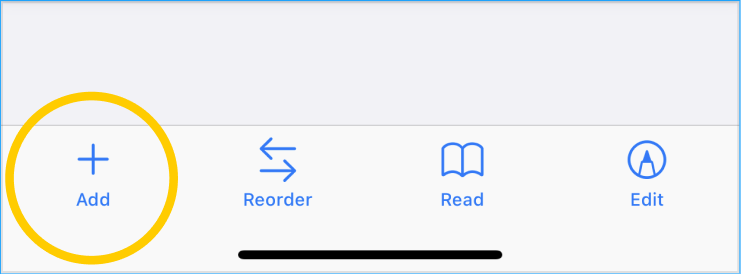
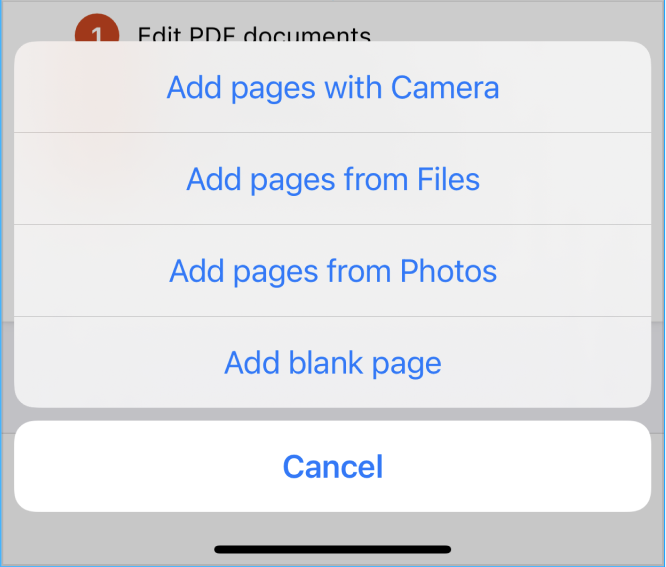
- Tap on the "+" add button. In the menu, select one of the options for adding pages:
- You can take a photo/scan from the camera and add the scan as a new page of the PDF document;
- You can select a page from iCloud files;
- You can select a page from the photo gallery;
- Or you can add a blank page.
Please note that all added pages will be added to the last pages, if you want to change the order of the pages, you can do this through the reorder tool.