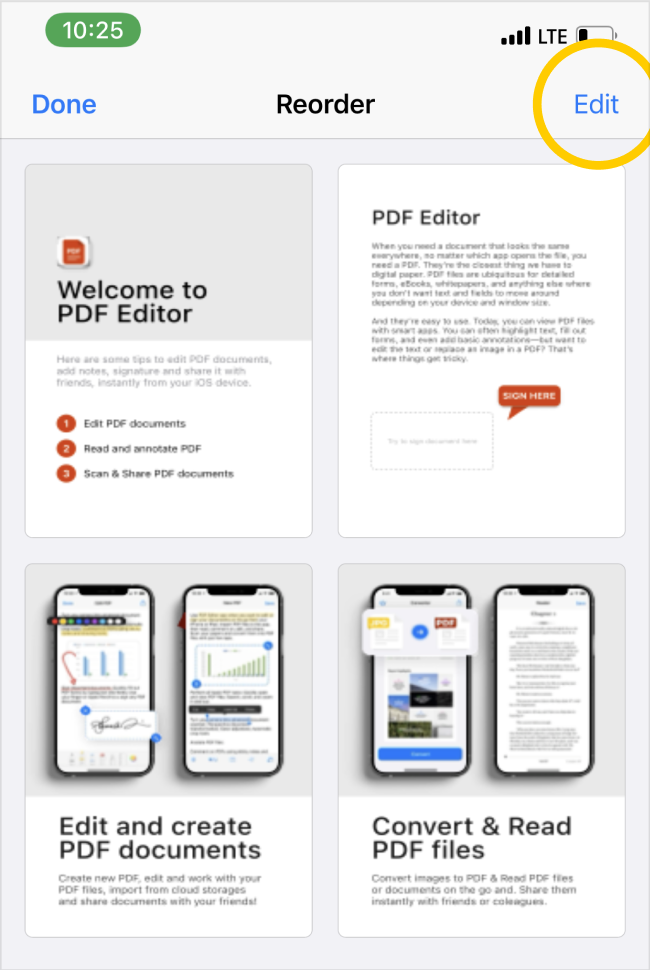
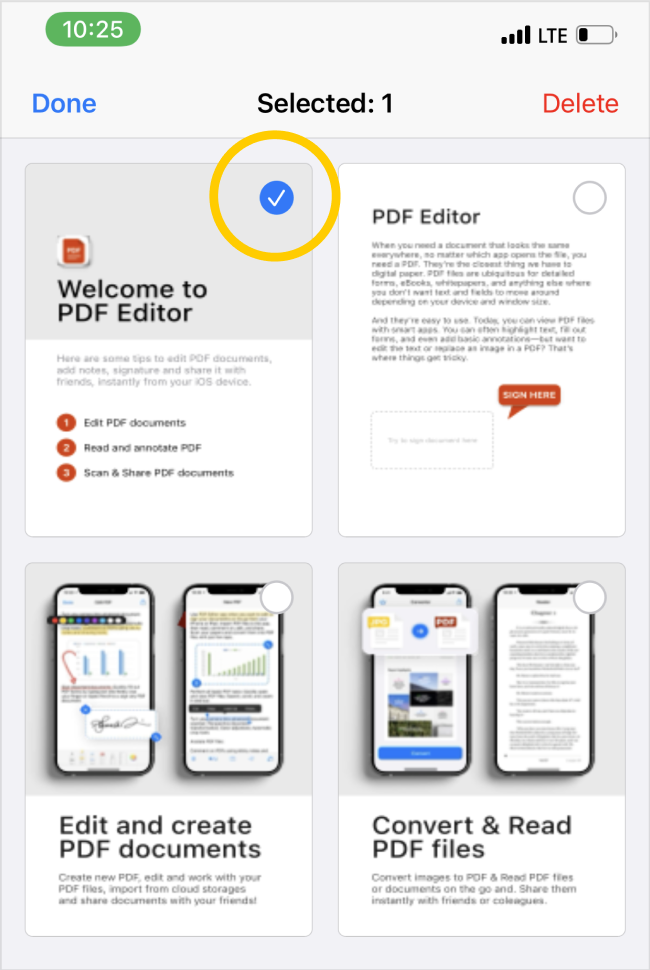
- Open or import a PDF document to the app and on the document preview screen;
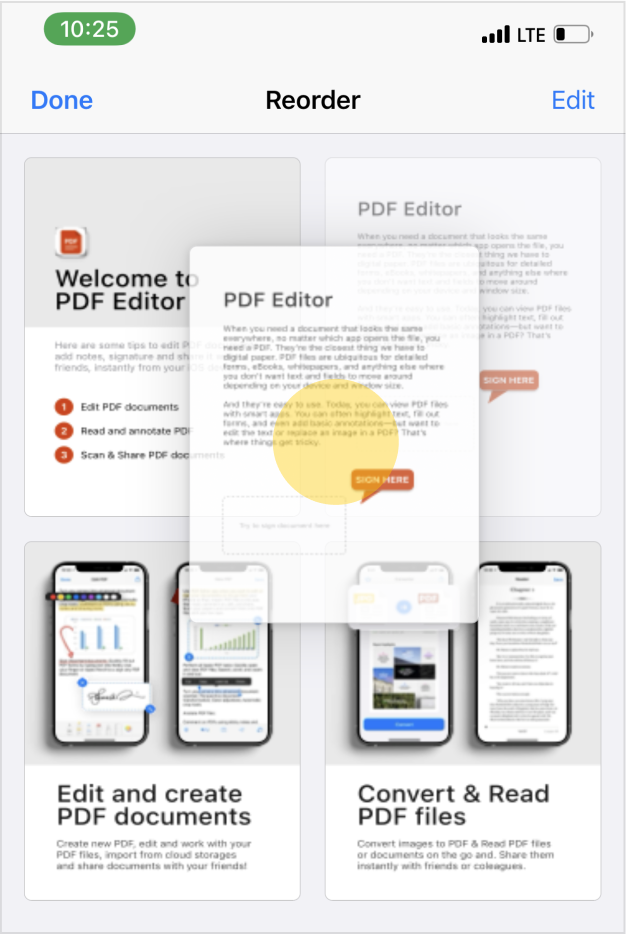
- Tap on the "↹" reorder button and you will be taken to the page reordering page:
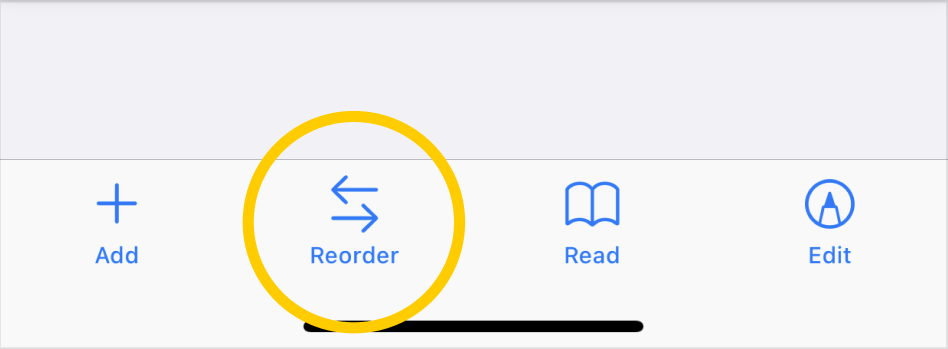
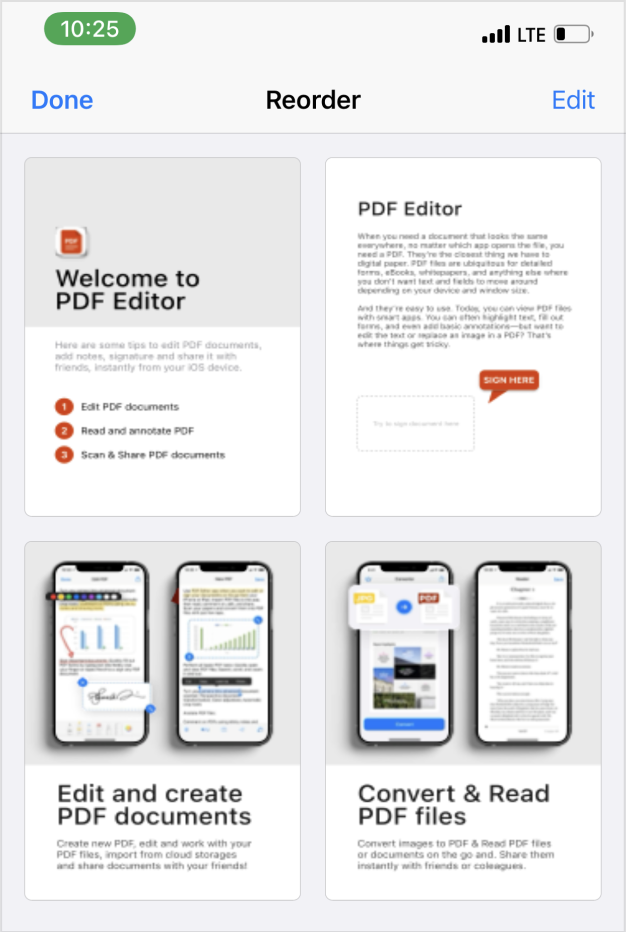
- Use Drag-and-drop to move pages within your PDF document:
- You can also delete unnecessary pages on this page, for this click on the edit button in the upper right corner and then select unnecessary pages and click on delete: