
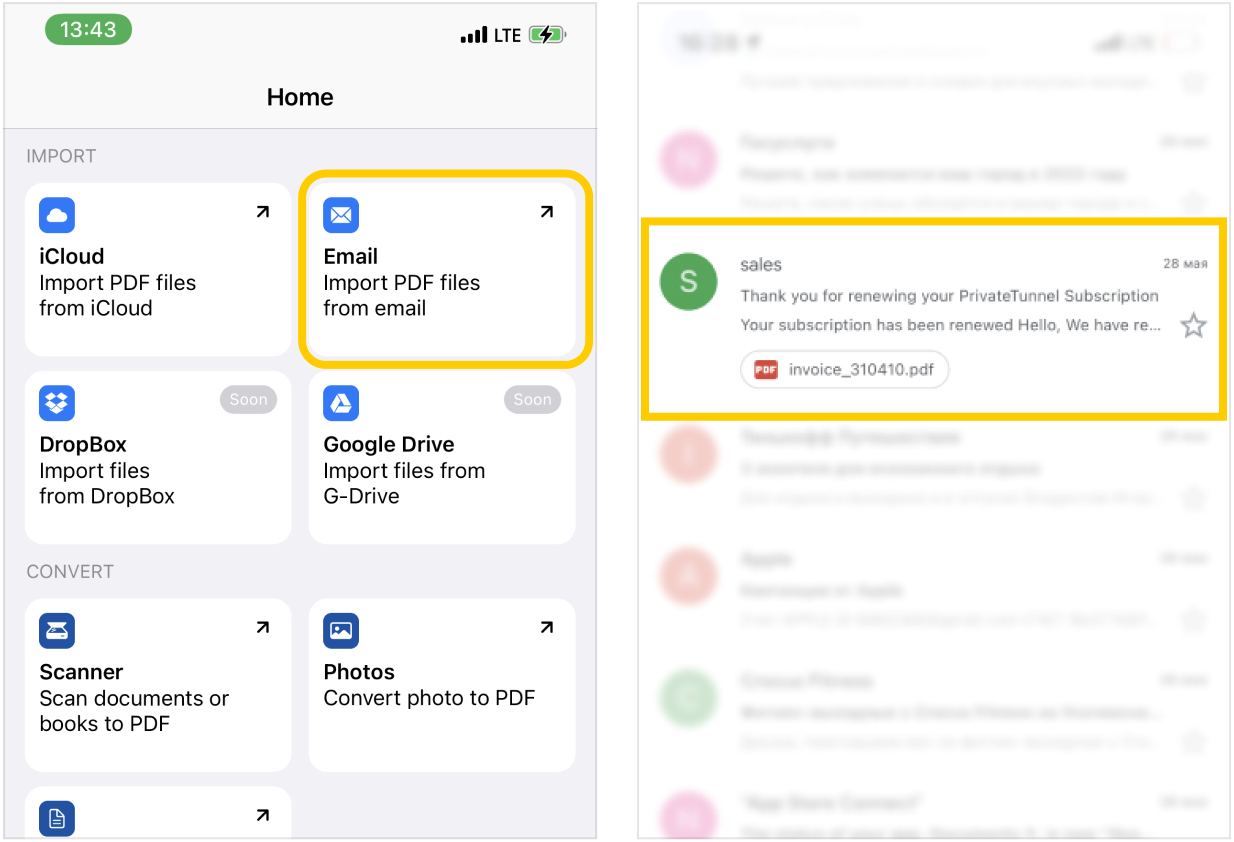
- On the
 home tab with actions, tap on
  Email and select your preferred email client (iOS Built-in Mail client, Gmail, etc) and open it:
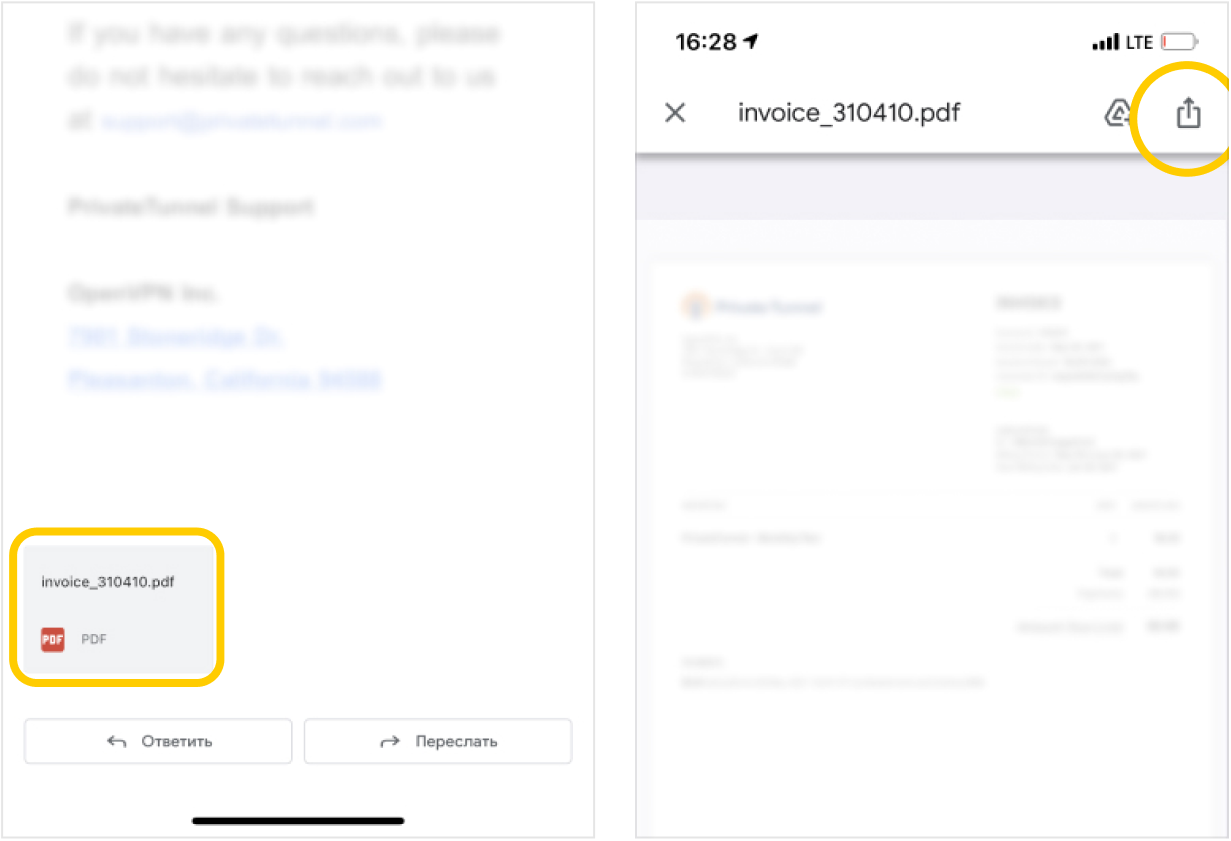
- Find attachment at the bottom of your email and tap to open preview, then tap on the Share button in the attachment preview screen:
- Scroll down in the share menu and find the Copy to PDF Editor app button and tap on it:
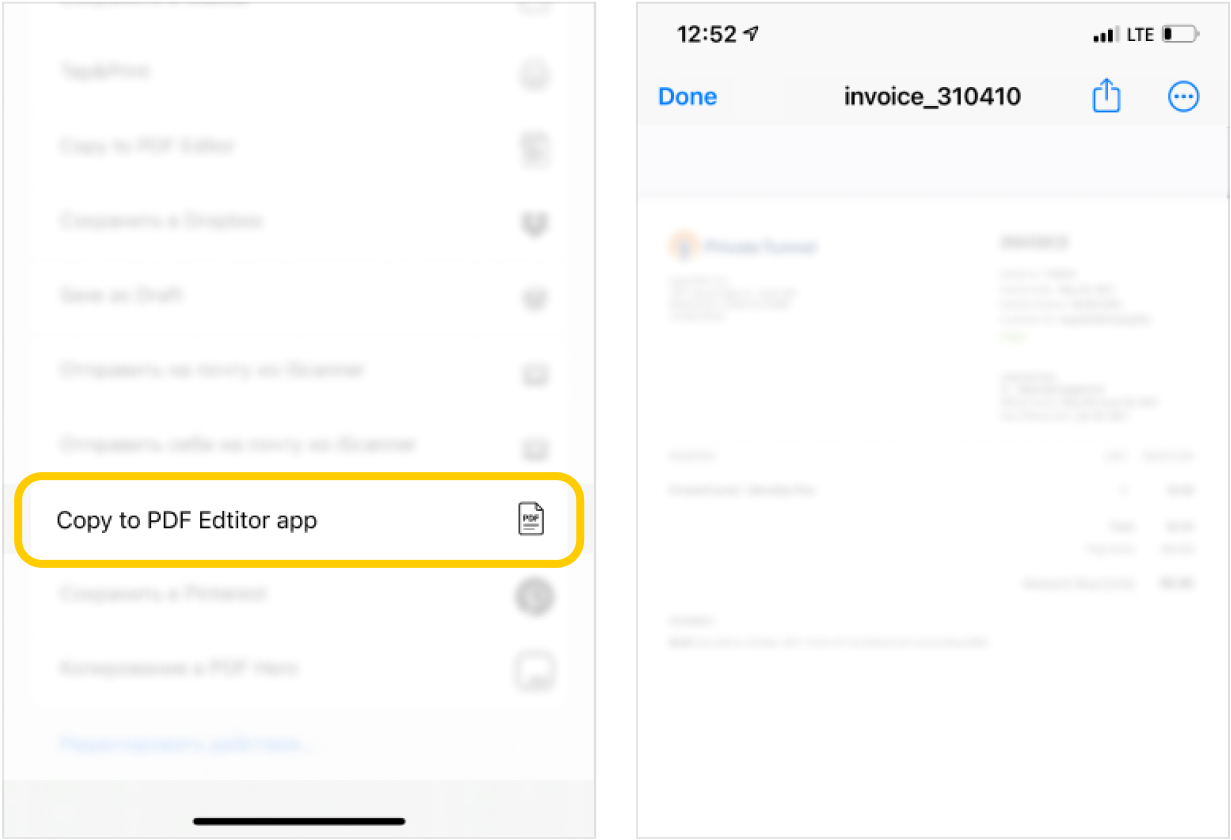
- After completing these steps, you can import any document into our application.